The Simulation
This simulation was programmed using Python, and made using a graphics/game library called PyGame.
To save you the gritty details of what that all is, it allows me to draw graphics onto a screen,
essentially making it a very nice drawing tool for me to work with.
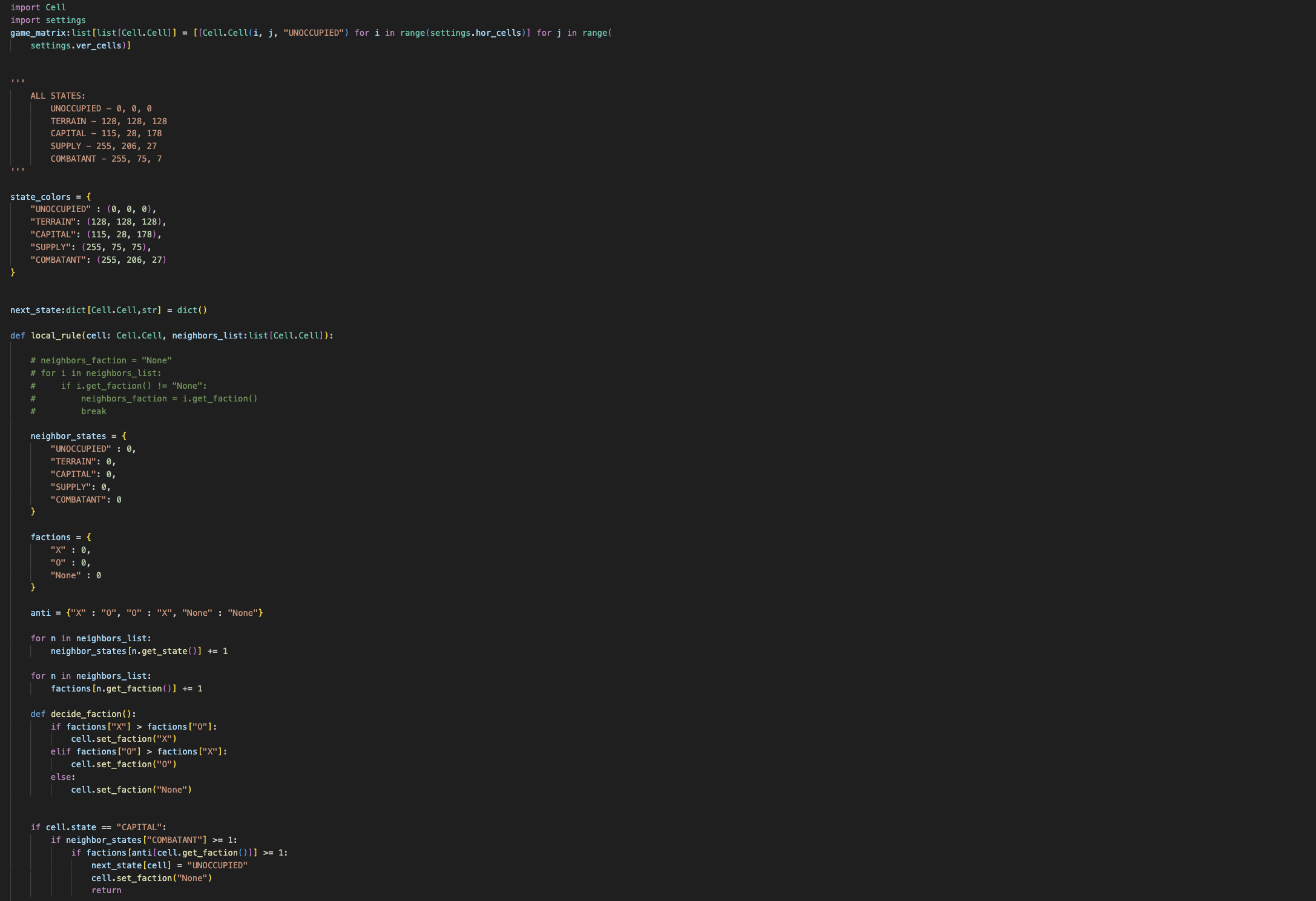
For the simulation, I made a 2D matrix of all the cells visible on the screen. For each of those
cells, I assigned them the states that I created.
After doing this, I created a discrete integer variable that would increase by 1 for every 10 frames.
Each increase will activate the transition function that will determine the state each cell would change
to based on the current states of the neigbors. Note that this process is SIMULTANEOUS. The neighbors
don't mutate straight away, instead they wait after the last cell's next state has been determined.
This is the basis of how Conway's Game of Life works too.
The Controls
Left Mouse Button: Hold to paint capital cells.
Left Mouse Button + RIGHT SHIFT: Hold to paint terrain cells.
Left Mouse Button + ENTER: Delete cells under the cursor.
X: Change cell faction (between X and O)
Tab: Press to clear the whole scene.
E: Run the simulation.
Space: Press to run the simulation step by step.
In drawing the cells, I just use PyGame's rectangle drawing function and use the colors for each.
If you'd like, you can check out the source code here: Source Code